
Wispr Flow Support: Response Times & Channels
One number tells most of the story: Wispr Flow runs support through a single ticketing portal, and the most common complaint attached to that system is a 24–48 hour wait for a first reply. If you're evaluating wispr flow support before committing to the $15/month Pro plan, that wait time — not the feature list — is what shapes the real experience.
Key Takeaways
- Wispr Flow uses a single ticket-based support system — no phone line, no live chat.
- Initial replies typically land within 24–48 hours; full resolution can take longer for account or billing issues.
- The public Wispr Flow Help Center covers setup and common errors, but deeper troubleshooting usually requires filing a ticket.
- Wispr Flow publishes no support SLA, so response-time expectations come from user reports rather than a company commitment.
- Users who hit repeated delays with Wispr Flow's support model tend to look at faster-responding alternatives.
What Channels Does Wispr Flow Support Use?
Wispr Flow offers three support channels: a self-serve Help Center at docs.wisprflow.ai, an email-based support inbox, and a ticketing portal at wisprflow.ai/support that requires account login. There's no phone line and no live chat option listed anywhere on their site or app.
The Help Center covers the basics — installation, permissions, language settings, and known error messages. For anything account-specific (billing disputes, sync issues, missing transcriptions), the portal routes you into a ticket queue.
- Help Center (docs.wisprflow.ai) — self-serve articles
- Support Portal (wisprflow.ai/support) — login required, ticket-based
- Email (support@wisprflow.ai) — same queue as the portal, just a different entry point
None of these channels list a published SLA. That absence matters more than it sounds — it means response time expectations come entirely from user reports, not a company commitment.
How Long Does Wispr Flow Support Usually Take to Respond?
Based on aggregated user reports across Reddit and review platforms, first responses from Wispr Flow support generally arrive within 24–48 hours, with full issue resolution sometimes stretching past a week for account or billing problems. Response speed appears to vary by ticket type rather than time of day.
The table below breaks down what users report by issue category, drawn from public complaint threads and the support topics Wispr Flow itself documents.
| Issue Type | Reported First Response | Typical Resolution Path |
|---|---|---|
| Login / sync errors | 24–48 hours | Ticket + troubleshooting steps |
| Billing / subscription | 1–3 days | Ticket, sometimes escalated |
| Feature bugs | 2–5 days | Ticket, added to backlog |
| General "how do I" questions | Same day (via Help Center) | Self-serve, no ticket needed |
By the numbers: One Reddit thread in r/productivity specifically asks for a working Wispr Flow support email after the poster says every address listed on the site went unanswered — a pattern that shows up repeatedly in public complaint threads.
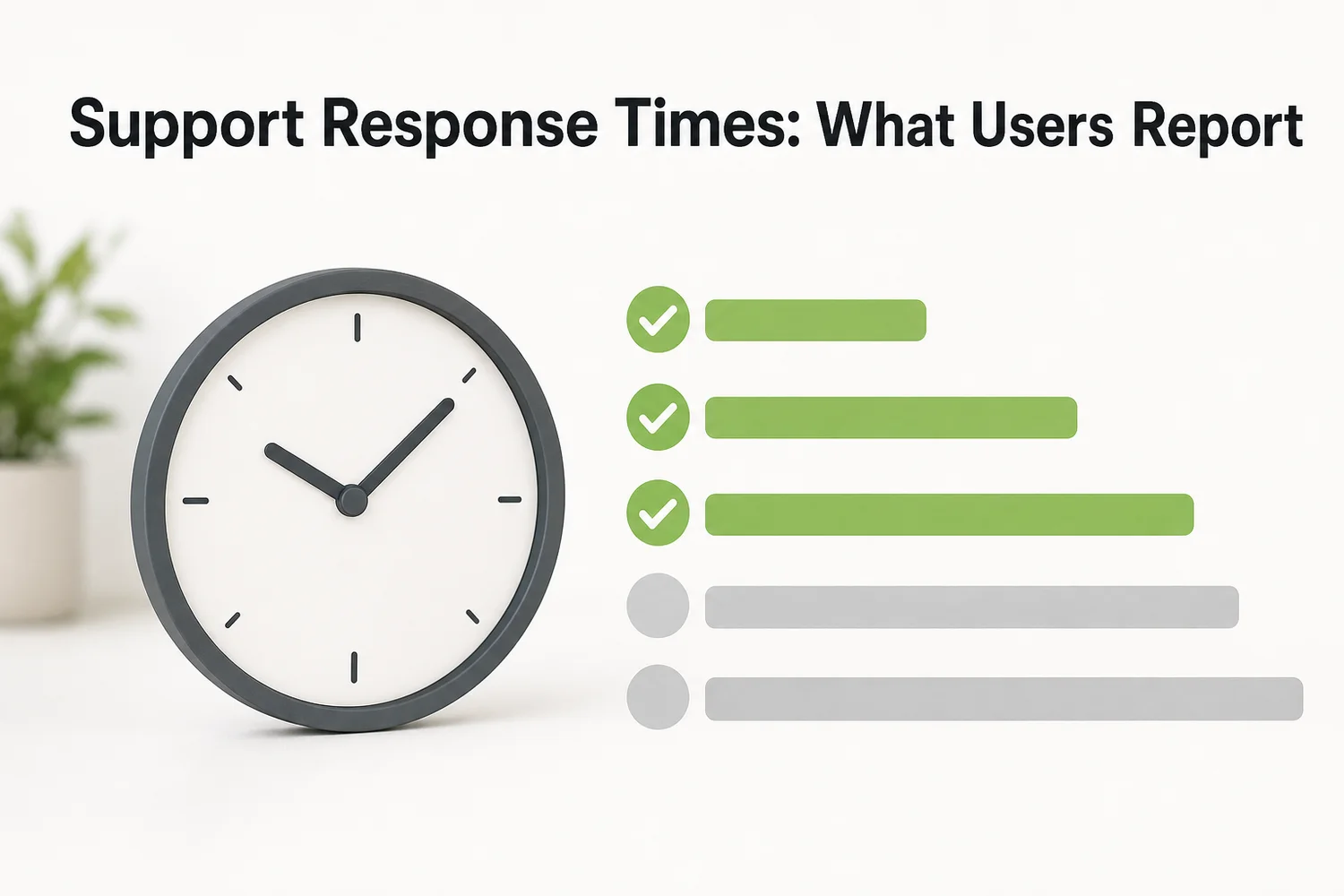 Reported response windows vary sharply by ticket type — billing and bug reports lag furthest behind.
Wispr Flow's own status page (statuspage.incident.io/wispr-flow) logs service incidents separately from support tickets, which is useful for confirming whether a slowdown is a known outage or an individual account issue.
Does Wispr Flow Offer Email Support or Only Ticketing?
Wispr Flow's email support routes into the same queue as its ticketing portal — emailing support@wisprflow.ai doesn't get you a faster or separate response path. It's effectively one system with two doors.
This matters for anyone hoping email feels more personal or immediate than a ticket. In practice:
- You email support@wisprflow.ai or open a ticket in the portal.
- Both land in the same queue, triaged in the order received.
- You get a reply once an agent works through the backlog.
If you're comparing this to Wispr Flow's pricing tiers, Pro subscribers don't appear to get a separate priority queue — the support experience is the same regardless of plan.
Does Wispr Flow Have Community Support or a Knowledge Base?
Wispr Flow's knowledge base lives at docs.wisprflow.ai and covers setup, permissions, and common error fixes, but it's noticeably thinner than the documentation offered by competitors like Superwhisper or Willow Voice. There's no dedicated community forum run by the company itself.
Users end up filling that gap on Reddit — threads in r/productivity and general tech subreddits are where a lot of real troubleshooting and workaround-sharing happens, not on an official Wispr Flow community page. That's a meaningfully different experience from tools that maintain active Discord servers or forums with company staff present.
What Happens If Wispr Flow Support Doesn't Solve Your Issue?
When a ticket doesn't resolve the underlying issue, Wispr Flow doesn't publish an escalation path — there's no stated process for re-opening a closed ticket or reaching a senior support tier. Users report re-submitting a new ticket and restarting the queue wait.
That's a structural gap, not a one-off complaint. Without a documented escalation tier, your only lever is to keep the conversation going in the same thread or file again and hope for a different agent.
If you've already tried the official channels and hit a wall, our Wispr Flow alternative comparison breaks down which competitors handle support escalation more transparently.
What Do Users Say About Wispr Flow Support Quality?
Public sentiment on Wispr Flow support is mixed: users generally rate the product's dictation accuracy highly, but the support experience gets flagged for slow first responses and thin self-serve documentation. Praise centers on the product; friction centers on getting help when something breaks.
A few patterns show up repeatedly across review sites and forum threads:
- Response time is the single most-cited frustration
- Users appreciate the Help Center for setup but not for deeper bugs
- Billing and subscription questions take longer to resolve than technical ones
- No complaints about rudeness or unhelpfulness once a human responds — the wait itself is the issue
This lines up with what our full Wispr Flow review found when evaluating the product beyond just accuracy and pricing: strong core dictation, weaker post-purchase support infrastructure.
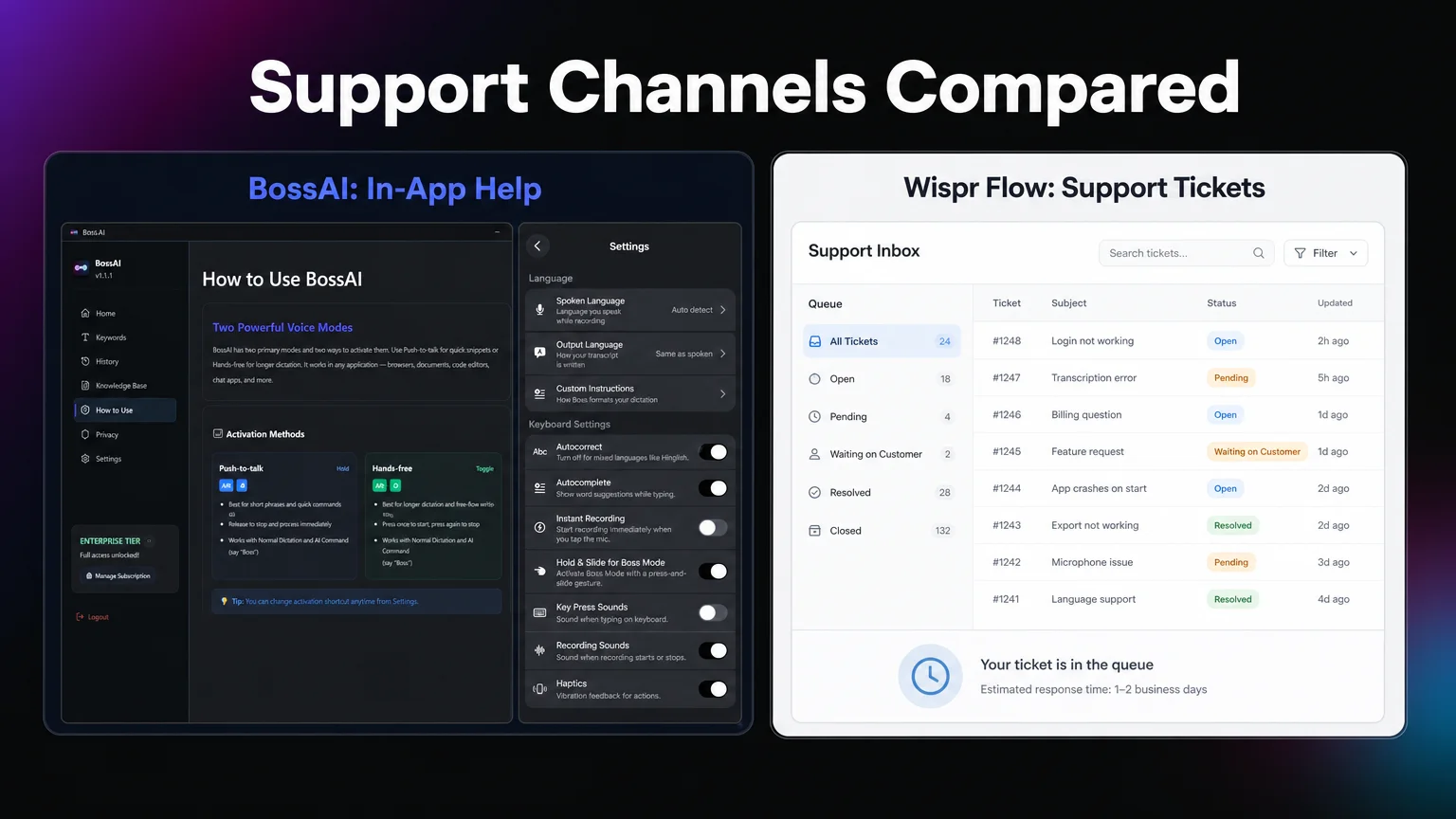 Wispr Flow routes every request through one ticket queue.
How BossAI Handles Setup
BossAI keeps setup simple: on iPhone and Android you enable it in your phone's keyboard settings, and on Mac and Windows it runs as a menu bar or system tray app. You can verify this yourself — open BossAI's Settings screen and the Custom Instructions and Keyboard Settings panels are documented right there, no ticket required.
That's the concrete difference: Wispr Flow's model funnels every question — from "how do I change my spoken language" to "why did my subscription charge twice" — into one queue. BossAI separates the two. Simple setup and configuration questions get answered in-app immediately; anything that needs a human goes to email support, which doesn't share a queue with a public ticketing system.
If you're weighing Wispr Flow for Windows against a keyboard-native alternative, support accessibility is part of that decision — not just which platforms are technically supported.
How Does Wispr Flow Support Compare to Other AI Dictation Tools?
Wispr Flow's single-queue ticketing system is closer to Willow Voice's model, while Superwhisper leans hardest on community-driven troubleshooting. None of the major players in this category offer live chat or phone support as of this writing.
| Tool | Support Channels | Community/Docs | Reported Response Time |
|---|---|---|---|
| Wispr Flow | Ticket portal + email (same queue) | Help Center, no official community | 24–48 hrs first response |
| BossAI | — | Discord community | — |
| Willow Voice | Ticket-based, enterprise gets dedicated support | Limited public docs | Varies, faster for Enterprise |
| Superwhisper | Email + community-driven | Active user community, thinner official docs | Varies widely |
The pattern across the category: free and Pro-tier users on most tools wait in a general queue, and dedicated support is usually reserved for Enterprise contracts.
Get Started with BossAI
If ticket queues and 24-48 hour waits aren't what you want from a dictation tool, BossAI is worth a look. Its free plan includes 500 words of dictation a day, resetting daily, so you can try it firsthand.
FAQ Section
Does Wispr Flow offer phone support? No. Wispr Flow does not list a phone number for support anywhere on its website or in the app. All support requests go through the ticketing portal or email, both of which route into the same queue.
What is Wispr Flow's support email address? Wispr Flow's listed support email is support@wisprflow.ai. Reports from users on Reddit suggest that emailing this address doesn't guarantee a faster reply than filing a ticket through the portal directly.
How do I cancel my Wispr Flow subscription? Wispr Flow's pricing page directs cancellations through its Support Portal rather than a self-serve billing toggle. Users have reported needing to submit a request and wait for confirmation, similar to other support tickets.
Is BossAI better than Wispr Flow for support? Wispr Flow routes every request — simple or complex — into one shared ticket queue, with first replies commonly taking 24–48 hours.