
BossAI Is Live on Launchpadly | BossAI
BossAI Is Live on Launchpadly
BossAI is now listed on Launchpadly, a directory where people go looking for new software before it shows up in the usual places. If you found us there, this page is the short version of what BossAI actually does — no signup required to read it, and no signup required to try it.

Key Takeaways
- BossAI is an AI voice keyboard for iOS, Android, macOS, and Windows — it replaces your keyboard on mobile and runs in the background on desktop.
- It removes filler words, fixes grammar, and formats text for whichever app you are typing in, as you speak.
- Boss Mode reads what is on your screen and writes a full reply in context, without copy-pasting.
- There is a 7-day full Pro trial with no account required.
- Paid plans are $9.99/month, $69.99/year, or $149.99 once for lifetime access.
Contents
- What Is BossAI?
- Which Platforms Does BossAI Run On?
- What Makes It Different From Built-In Dictation?
- What Does BossAI Cost?
- How Do You Try It?
- FAQ
What Is BossAI?
BossAI is an AI voice keyboard that turns speech into polished, finished text. You speak, and it transcribes while simultaneously stripping filler words, fixing grammar, adding punctuation, and matching the formatting to whatever app you are in. The result is text you can send, not a transcript you have to clean up first.
That distinction matters more than it sounds. Most dictation gives you a raw stream of what you said, ums included, and leaves the editing to you. If you have to reread and fix every message, dictation stops saving time. BossAI does the cleanup in the same step as the transcription.
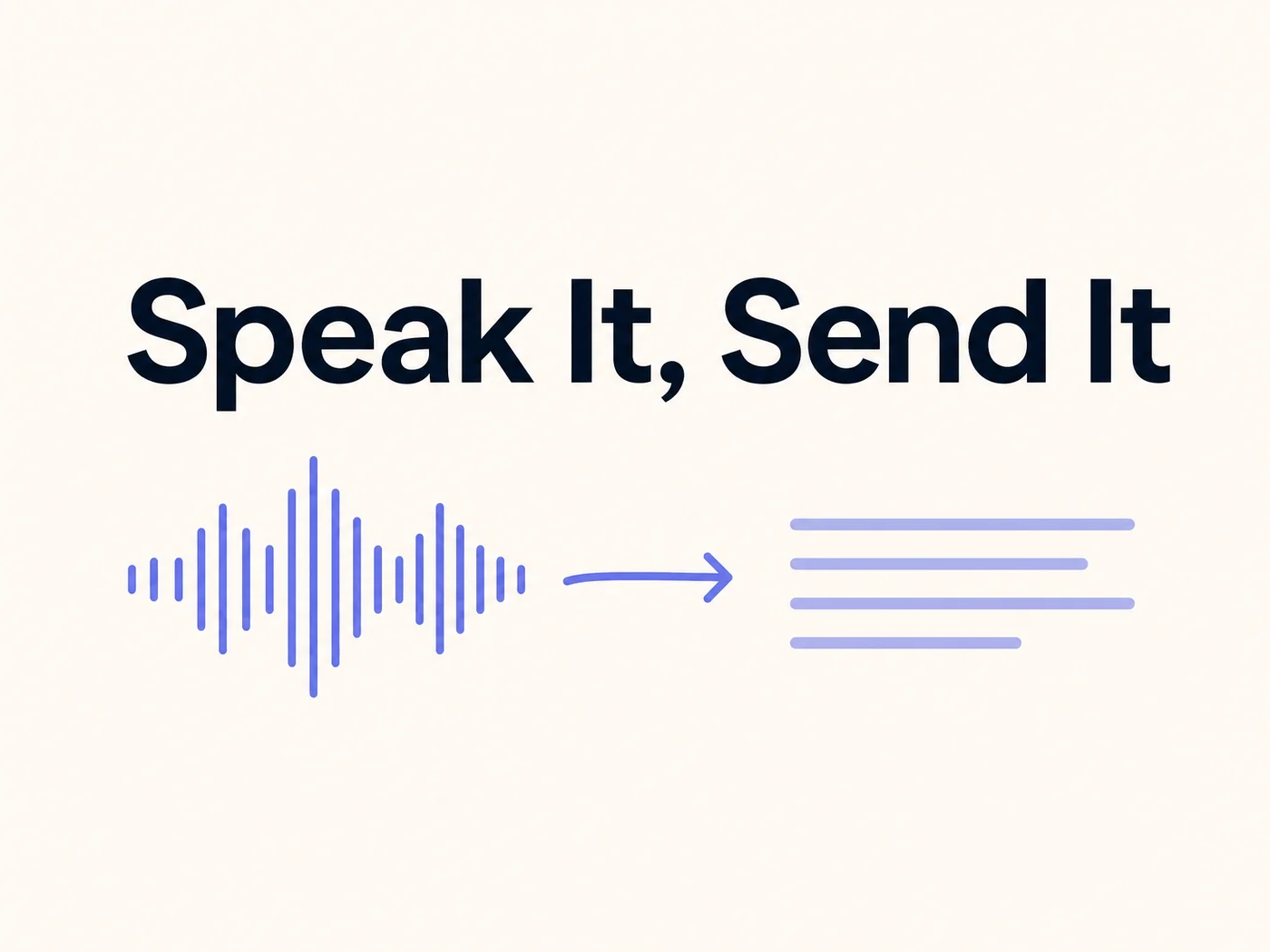 Transcription and cleanup happen in the same step — what lands is text you can send.
Which Platforms Does BossAI Run On?
BossAI runs on iOS, Android, macOS, and Windows. On mobile it installs as a keyboard, so it works inside every app that accepts text input. On desktop it runs as a native background app — the menu bar on Mac, the system tray on Windows — so it works system-wide rather than inside one program.
This is the part that tends to surprise people coming from Mac-only dictation tools. You are not locked to one device or one editor. The same voice keyboard follows you from a phone reply to a long email on a laptop.
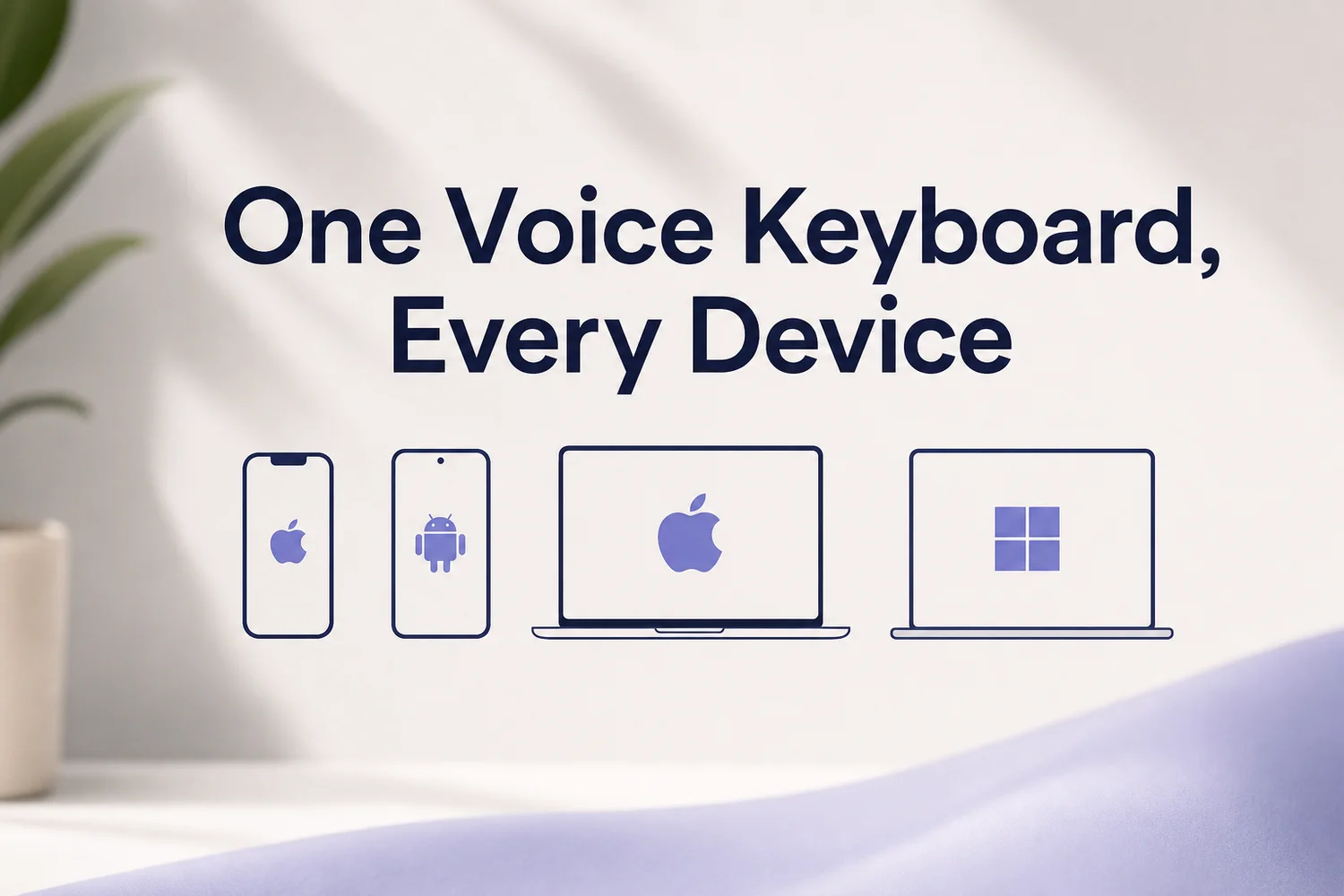 One keyboard across mobile and desktop, rather than a separate tool per device.
What Makes It Different From Built-In Dictation?
Apple, Google, and Microsoft all ship dictation. It is free and it is fine for short things. BossAI adds a layer on top of transcription that those tools do not have:
- Boss Mode — say something like "Boss, reply to this email professionally" and it reads your screen in real time, understands the thread, and writes the response. No copying context into a chatbot.
- Rewrite — tap a tone (Professional, Casual, Witty, Persuasive, Empathetic, Bold) and your text is rewritten in that voice.
- Clips — save text you reuse constantly, like a signature or a booking link, and paste it from the keyboard without app-switching.
- Knowledge Base — on iOS, macOS, and Windows, add your own documents and details, then pull them into a message by voice.
- Custom Dictionary — teach it names, brand terms, and jargon so it stops mangling them.
Worth knowing: BossAI is not a chatbot and not a file transcription service. It lives inside your keyboard and works in whatever app you are already using. If you want to transcribe recorded audio files, or have text read aloud to you, other tools fit that better.
What Does BossAI Cost?
BossAI is $9.99 a month, $69.99 a year, or $149.99 once for lifetime access. Before any of that, there is a 7-day full Pro trial that does not require creating an account.
The no-account trial is deliberate. A voice keyboard is a personal thing — how it handles your accent, your vocabulary, and the apps you actually live in decides whether it is useful. That is not something a feature list can answer for you.
How Do You Try It?
Download it, enable the keyboard, and dictate one real message — an actual email or reply you were going to write anyway, not a test sentence. That is the fastest way to know whether it fits how you work.
If you came from our Launchpadly listing, an upvote or a comment there genuinely helps other people find the app.
FAQ
Is BossAI free to try?
Yes. There is a 7-day full Pro trial with every feature unlocked, and it does not require an account. At the end of the trial you see your usage stats — words dictated, time saved — before deciding whether to pay.
Does BossAI work in every app?
On iOS and Android it installs as a keyboard, so it works anywhere you can type. On macOS and Windows it runs as a background app system-wide, rather than being tied to one editor or browser.
How is this different from Apple or Google dictation?
Built-in dictation transcribes what you said. BossAI also cleans it — removing filler words, fixing grammar and punctuation, and formatting for the app you are in — and adds Boss Mode, which reads your screen to write contextual replies.
Do I need an account to start?
No. The 7-day trial runs without an account. You only create one if you decide to continue on a paid plan.
Which languages does BossAI support?
BossAI supports dictation in multiple languages, and lets you set spoken language and output language separately, so you can speak one language and get text in another.